What are the system requirements?
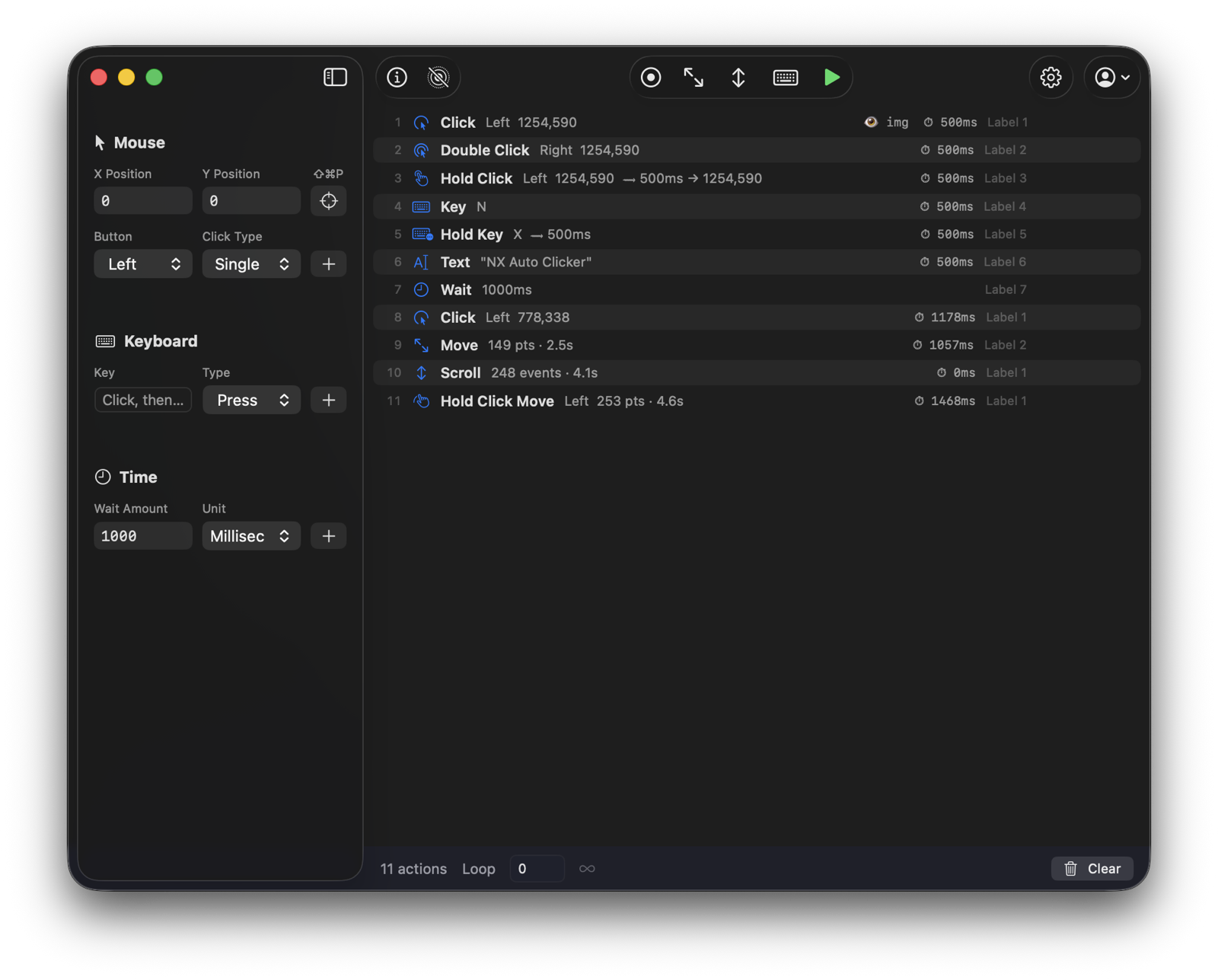
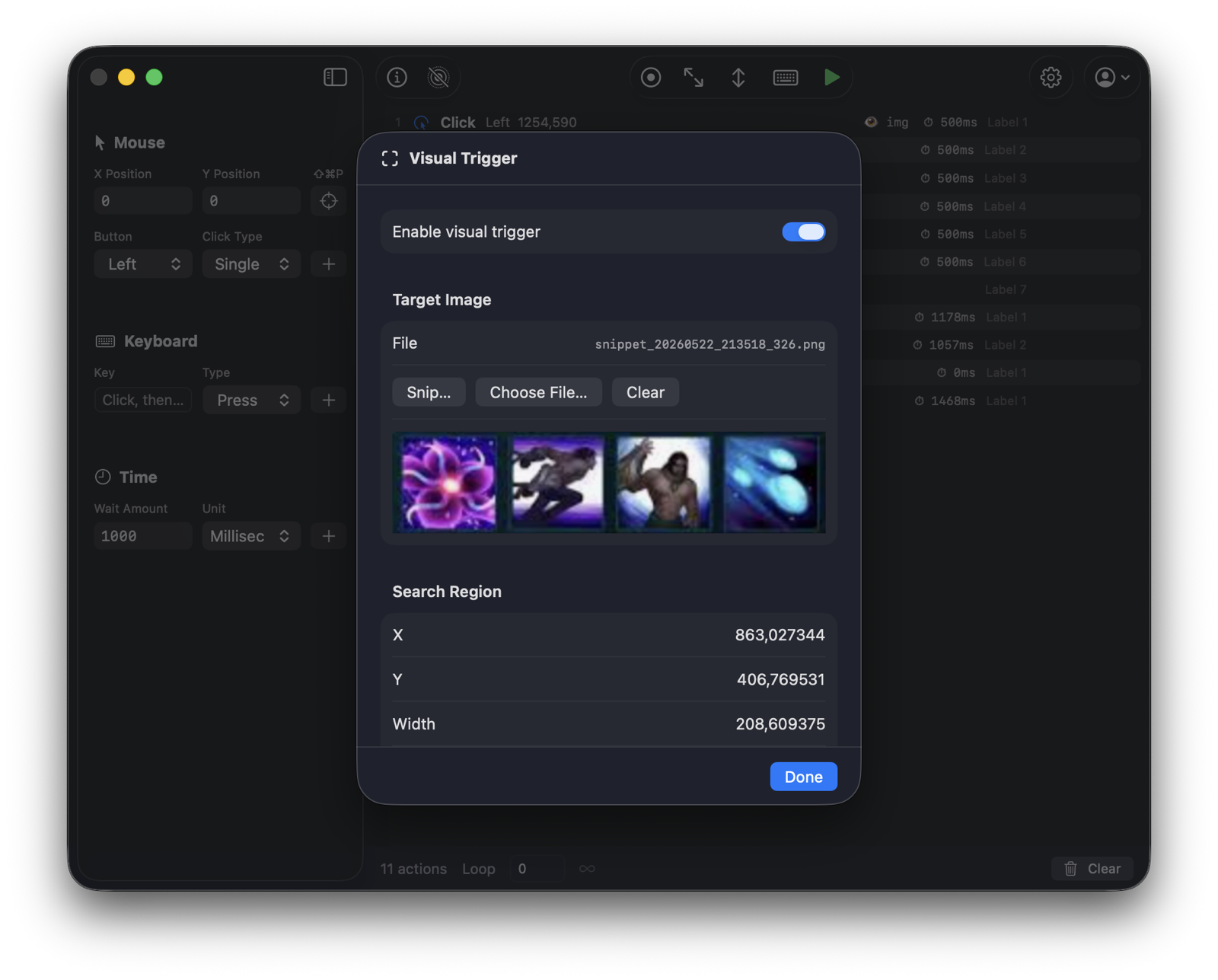
Clickron is a native macOS app and requires macOS 15 (Sequoia) or later, on Apple Silicon or Intel. It needs the Accessibility permission to perform clicks, and Screen Recording only if you use image triggers.
Is it a subscription?
Your choice. Pro Lifetime is a single one-time payment of $39.99 — yours for life, including updates. Prefer flexibility? Pro Monthly is $4.99/month and you can cancel anytime; Pro stays unlocked while your subscription is active.
How many Macs can I use it on?
A Pro license activates on one Mac. You can deactivate it from within the app at any time to move your license to a new Mac.
Can I try before buying?
Yes. The free version includes every feature; runs are limited to 30 seconds each. Unlock Pro to remove the limit.
What is your refund policy?
If Clickron doesn't work for you, contact us within 14 days of purchase for a full refund. See the Refund Policy.
Who processes payments?
Orders are processed securely by our merchant of record, Lemon Squeezy, which handles checkout, taxes and receipts. Your license key is delivered by email right after purchase.
How do I get support?
Email support@autoclickermac.com and we'll help you out.